Fullscreen or windowed, tuned to your Mac.
Choose icon size, rows, columns, labels, page direction, and sorting so the launcher feels like your workspace.
Launchpad, actually maintained — with workspaces, hot corners, and themes you can make your own. $10 once, yours forever.
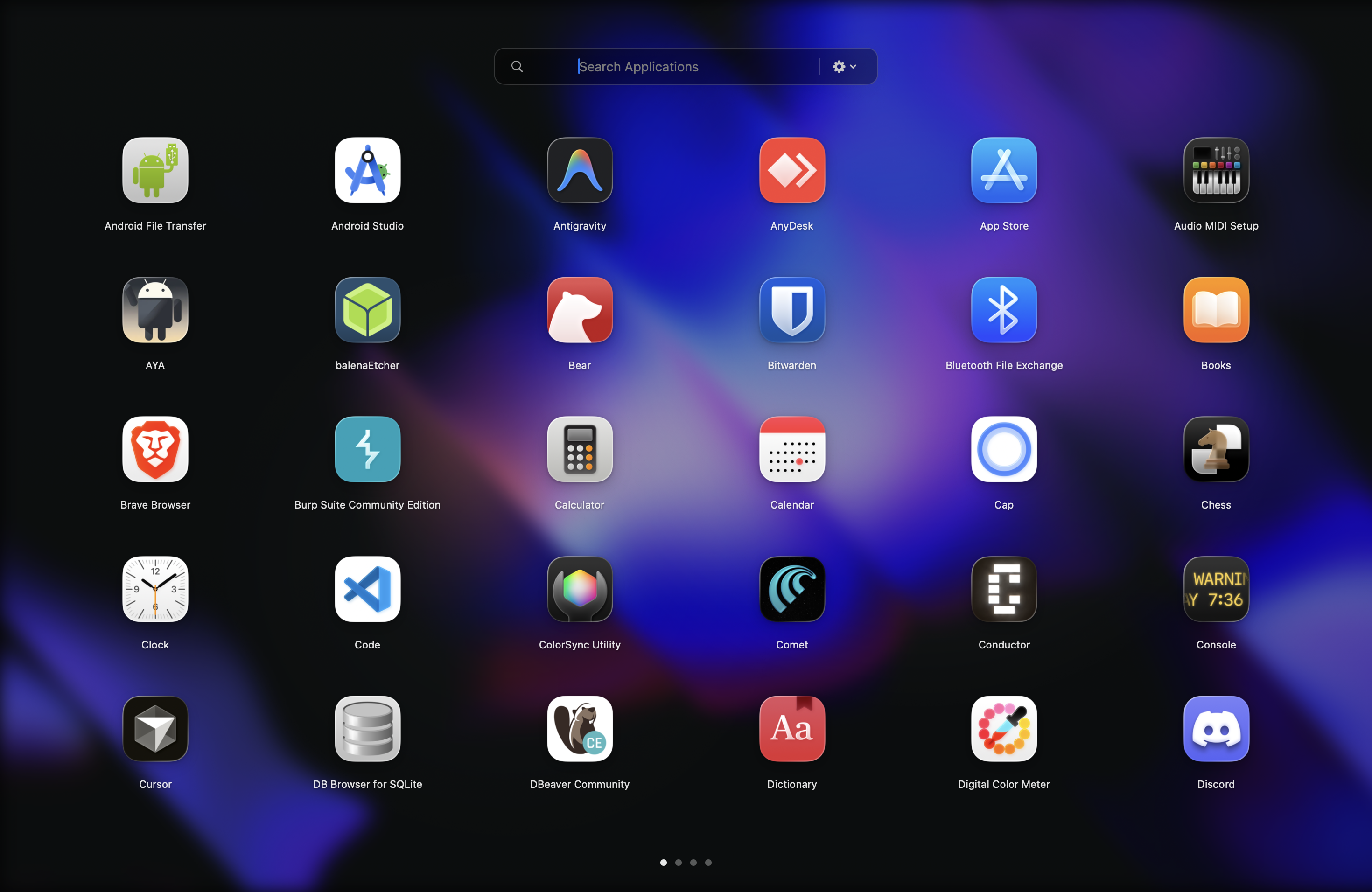
Apple folded Launchpad into Spotlight as a cramped popover, then removed the full-screen version entirely. For people who used it every day — including me — that small grid is not a launcher. It is a search bar with apps glued on.
Relaunch is the spatial, full-screen launcher you remember. Maintained by one person who uses it every day. Built with workspaces for the way you actually switch between work, side projects, and clients.
— Usaid, solo dev
Relaunch brings back the visual rhythm of Launchpad and adds the controls modern Mac users expect: customizable layout, appearance, triggers, sorting, import, and direct licensing.
Choose icon size, rows, columns, labels, page direction, and sorting so the launcher feels like your workspace.
Drag apps into folders, name them, reorder them, and keep project tools together without rebuilding every week.
Open Relaunch from anywhere with a global hotkey, optional hot corner, menu bar access, and Open at Login.
Use system, light, or dark themes, then customize wallpaper, images, solid backgrounds, blur, and tint.
Open with global hotkey, hot corner, or the menu bar
Type to search apps instantly
Drag to reorder, create folders, rename, and tune the grid
Upgrade to Pro for workspaces, automation, and smart folders
Apple stripped the full-screen visual rhythm and shoved it into a Spotlight tab. Lists are fine for search. They are bad at memory. Once everything scrolls, nothing has a place.
Pages, folders, hotkeys, hot corners, and big readable icons restore the habit loop that made Launchpad useful.
Free includes the core launcher. Pro adds multiple workspaces, workspace-specific app sets, automatic switching, smart folders, and per-workspace appearance overrides.
Create spaces like Work, Personal, Design, or Coding, each with its own app layout and focused set of tools.
Switch workspaces when a certain app becomes frontmost, when you move displays, or on a schedule.
Generate useful groups like Apple Apps, Browsers, Developer Tools, and Utilities without hand-sorting everything.
Give each workspace its own visual look without changing the global launcher theme.
Yes, that is exactly who it is built for. If you remember the full-screen visual launcher Apple removed and want it back, with workspaces and customization, this is for you. If you live in Spotlight or Raycast and never used Launchpad, you will be fine without Relaunch.
No. Spotlight is for search. Relaunch is for visual memory, app grouping, and the full-screen launch flow Apple removed.
Accessibility permission enables summon workflows like hotkeys and hot corners. Layout import may ask for local file access to legacy Launchpad .db files.
No. The current plan is a one-time Pro purchase for workspaces, automation, smart folders, and per-workspace appearance overrides.
One email when the first build drops. One when Pro launches. No drip campaigns, no marketing noise.